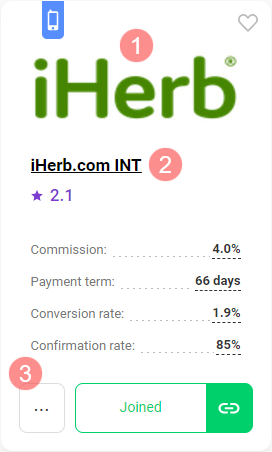
To disconnect an ad space from a program, in My programs find the required one and go to its page. For that, hit the program logo (1), program name (2), or More button (3).
Scroll down the page and under the program description, click the Leave Program button.
The ad space will be disconnected immediately. Do not forget to delete ad creatives of the program from it to avoid wasting traffic.

Note that if you have several ad spaces joined to this program, the one selected in the account header will be disconnected.

Even if you have left the program, you can send a request for cooperation with it again.