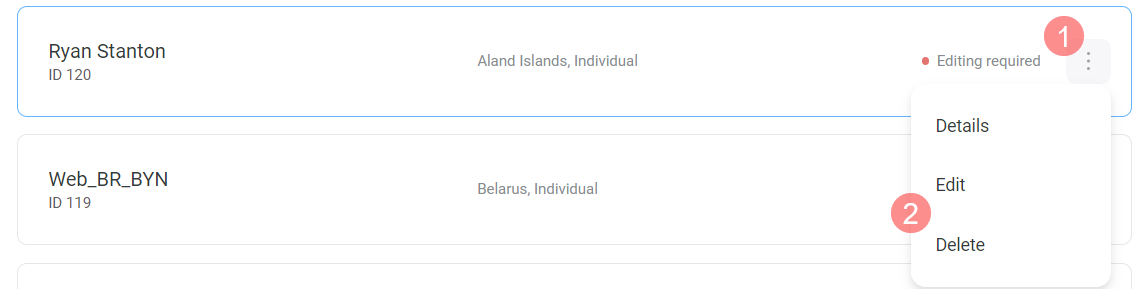
Help Center Wallet Tax information and billing details How to edit or delete tax information February 13, 2026 14:43 In the Tax Information section, click to the right of the tax information status. Select the action you want to perform. Was this article helpful? Yes No 0 out of 0 found this helpful Have more questions? Submit a request
 to the right of the tax information status.
  to the right of the tax information status.