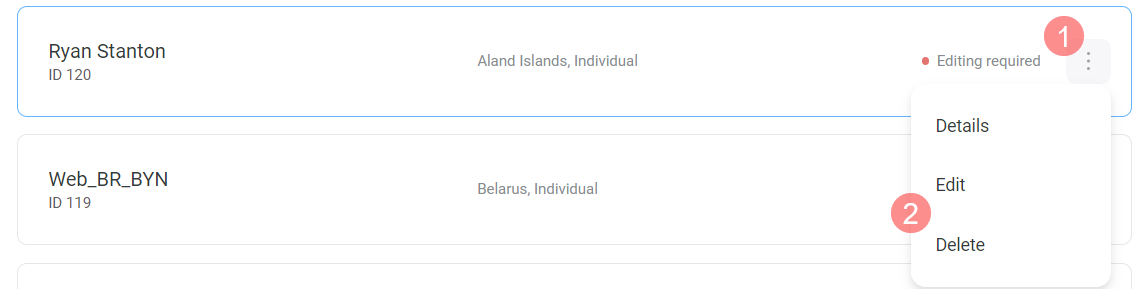
Центр допомоги Wallet Податкова інформація та платіжні дані How to edit or delete tax information Оновлено 13 лютого 2026 14:43 In the Tax Information section, click to the right of the tax information status. Select the action you want to perform. Чи була ця стаття корисною? Так Ні 0 з 0 вважають статтю корисною Маєте ще запитання? Надіслати запит
 to the right of the tax information status.
  to the right of the tax information status.